Know exactly
where your money goes.
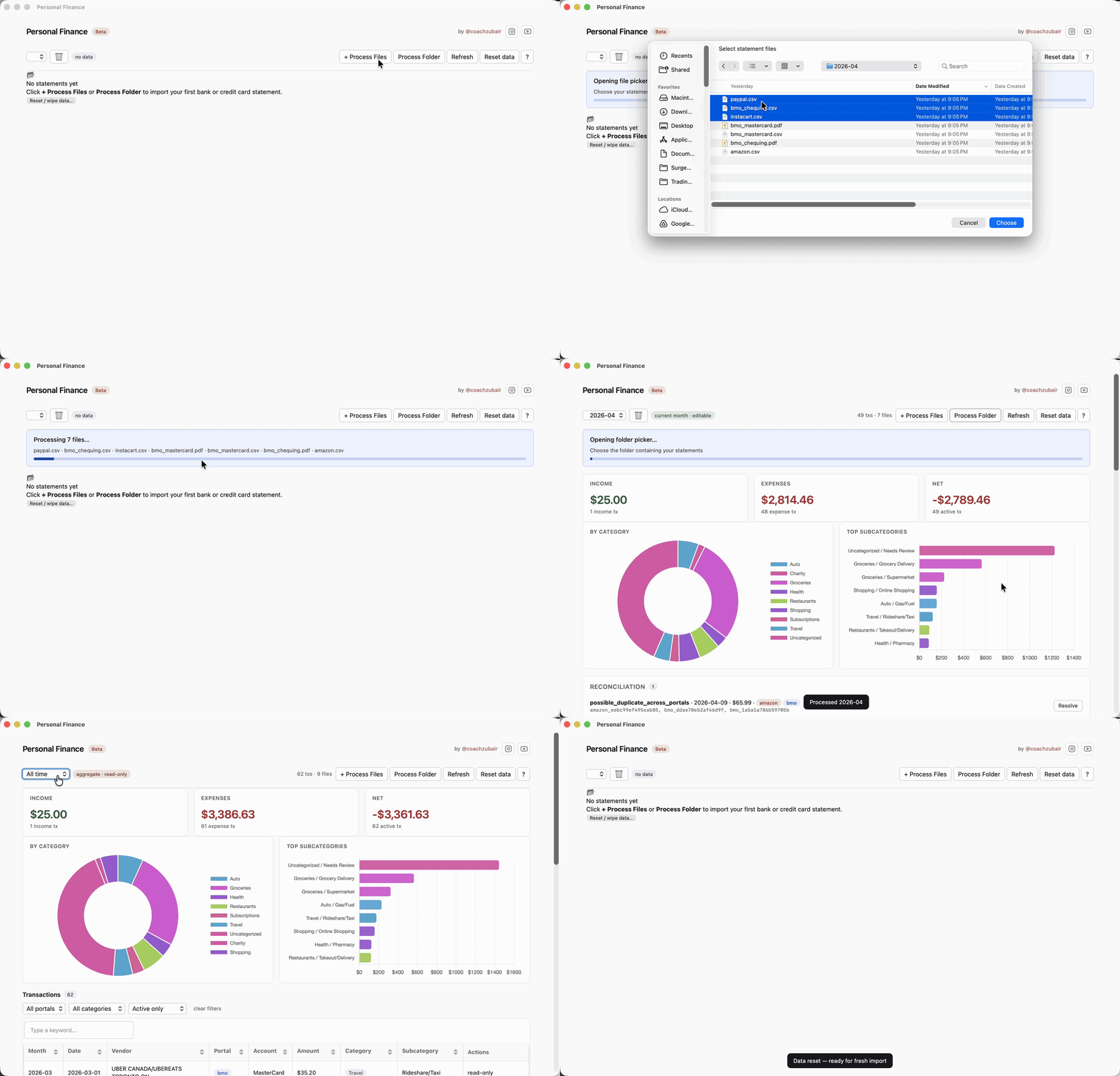
Import your bank statements, get every transaction categorized, and build a month-by-month history of your finances. Runs on your computer. Nothing sent anywhere.
Drop your email to unlock the links
No spam — we’ll only ping you when there’s a real update. Pick your platform above first if you’d like; the buttons activate as soon as you submit.
Mac — one extra step on first launch
We don’t have an Apple Developer ID yet, so macOS marks the app as “from an unidentified developer.” On macOS 14 (Sonoma) and earlier you can right-click → Open. On macOS 15 (Sequoia) / 26 (Tahoe) that path is gone — here’s what to do instead.
If double-click shows “damaged” or “can’t be opened”:
- Drag Personal Finance.app from the DMG into /Applications.
- Open Terminal.app (Cmd+Space, type “Terminal”).
- Paste and run this one line, then press Return:
xattr -dr com.apple.quarantine "/Applications/Personal Finance.app" - Double-click the app from /Applications — it’ll open normally.
What that command does: macOS adds a “quarantine” tag to every file you download from the internet. The tag is what tells Gatekeeper to refuse to launch an unsigned app. Removing the tag from the installed copy is the supported equivalent of right-clicking → Open on older macOS — it only affects this one app, doesn’t touch any other files, and doesn’t turn off Gatekeeper.
Windows: double-click the EXE. SmartScreen will say “Windows protected your PC.” Click More info → Run anyway.
Free · No subscription · No cloud · No data leaves your machine
v1.0.0-beta · built 2026-05-15 20:50 UTC